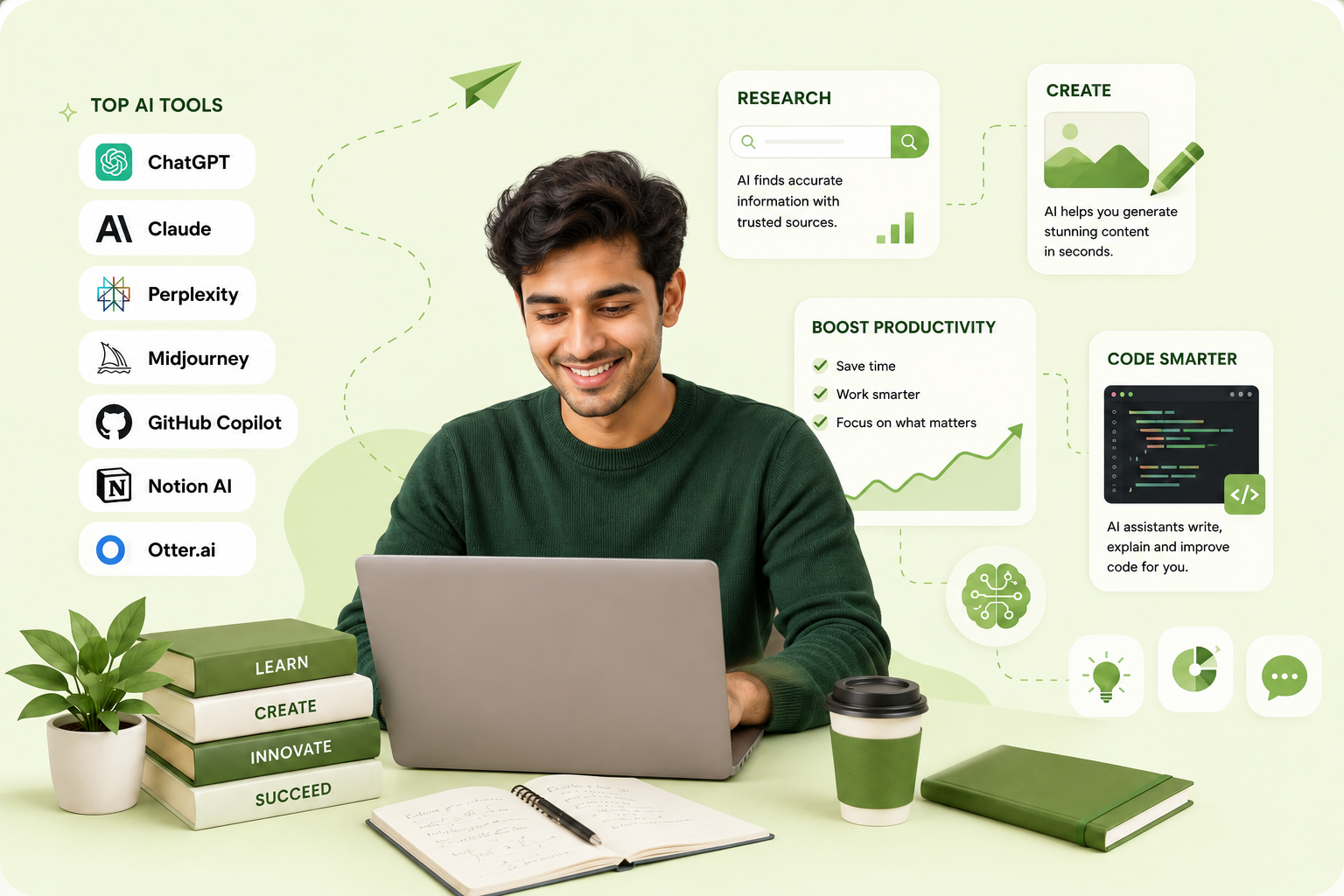
Top AI Tools Every Student and Professional Should Know in 2026
AT Alex Thompson•July 10, 2026•10 Mins read
Overview
Artificial Intelligence has moved from novelty to daily infrastructure. Assistants now plan tasks across multiple steps, work directly inside your documents and codebases, and combine text, images, and voice in a single conversation. For students and professionals alike, knowing which tool to reach for — and how to use it well — is now a core skill.
This updated 2026 guide covers the tools worth learning now, organized by what you actually need to get done.
Writing and Content Creation
ChatGPT & Claude — best for research, writing assistance, brainstorming, and multi-step problem-solving. Both now support long-running "agentic" tasks — handing off a project and letting the assistant work through several steps, checking in only when needed. Key features: natural conversations, code generation and debugging, document drafting, and research synthesis across many sources. Pro tip: be specific in your prompts, iterate rather than expecting a perfect first draft, and use them to get past writer's block rather than to skip thinking entirely.
Grammarly — still the standard for grammar checking, tone, and clarity, now with deeper style customization for professional vs. academic writing.
Copy.ai & Jasper — best for marketing content, social copy, and brand-voice-consistent writing at scale.
Research and Learning
Perplexity AI — best for research and fact-checking with cited sources, now with deeper "research mode" options that run multiple searches and compile a structured report automatically.
Consensus — best for scientific research and academic papers, summarizing findings across studies and flagging where evidence is mixed.
Elicit — best for research automation and systematic reviews: finding relevant papers, extracting key data points, and surfacing research gaps.
Design and Visual Content
Canva AI — best for quick graphic design and presentations, with AI-driven layout suggestions and brand-kit-aware templates.
Midjourney & other image models — best for concept art, illustrations, and social graphics, with much stronger text rendering and consistency across a series of images than earlier versions.
Figma AI — best for UI/UX design and prototyping: auto-layout suggestions, design system generation, and accessibility checks built into the design flow.
Coding and Development
Tool
Best For
Key Features
Pricing
GitHub Copilot
Code completion
AI pair programming, multi-file context
$10/month
Cursor
AI-first code editor
Natural language editing, codebase-aware chat
Free/Pro tiers
Claude Code
Agentic coding
Delegates full coding tasks from the terminal or IDE
Usage-based
Replit AI
Learning to code
Interactive coding, inline explanations
Free/Pro tiers
GitHub Copilot remains a strong default for in-editor completion and pair programming — it suggests multi-line changes with awareness of your broader codebase, not just the current file.
What's new in 2026 is agentic coding assistants like Cursor's agent mode and Claude Code — instead of just autocompleting lines, you can hand off a whole task ("fix this bug and add a test") and the assistant plans, edits multiple files, and runs the result.
Productivity and Organization
Notion AI — best for note-taking, project management, and knowledge bases, with natural-language database queries and automatic summaries across linked documents.
Otter.ai — best for meeting transcription: real-time transcription, speaker identification, and automatic action-item extraction.
Calendly AI — best for smart scheduling: conflict detection, automatic buffer time, and time zone handling across global teams.
Data Analysis and Visualization
Julius AI — best for conversational data analysis: upload a spreadsheet, ask questions in plain English, and get charts and statistical summaries back.
Tableau AI — best for advanced business intelligence: natural language queries, automated insight detection, and predictive dashboards.
Language Learning and Translation
DeepL — best for high-quality translation, including nuanced document translation and real-time typing translation.
Duolingo AI — best for personalized language learning: adaptive paths, live conversation practice, and pronunciation feedback.
Academic and Professional Writing
Zotero + AI Plugins — best for research paper management: automatic citation generation, PDF annotation, and bibliography creation.
Wordtune — best for writing improvement: sentence rewriting, tone adjustment, and conciseness edits.
Best Practices for Using AI Tools
Match the tool to the task: use specialized tools for specific jobs rather than one tool for everything, and combine tools where it makes sense.
Learn effective prompting: be specific, provide context and examples, and iterate on your prompts rather than accepting the first output.
Verify and fact-check: always verify AI-generated information for anything that matters, and understand each tool's limitations.
Maintain academic and professional integrity: follow your institution or workplace's AI usage policies, give credit where appropriate, and treat AI as a tool for augmenting judgment, not replacing it.
Emerging Areas to Watch
✓Agentic assistants: tools that plan and execute multi-step tasks with minimal supervision
✓On-device and edge AI: faster, more private processing directly on your laptop or phone
✓Multimodal workflows: single conversations that mix text, voice, images, and documents seamlessly
✓AI-native presentation and design tools: generating polished decks and prototypes from a short brief
✓Deeper connector ecosystems: assistants that securely read and act on your calendar, email, and project tools directly
Integration Strategies
For Students
Research phase: use Perplexity or Consensus for initial research.
Writing phase: use ChatGPT or Claude for outlines, Grammarly for editing.
Presentation phase: build visuals with Canva AI or an AI-native slide tool.
Study phase: use AI for summarization and explaining tricky concepts.
For Professionals
Planning: use Notion AI for project organization.
Creation: lean on specialized tools for your field.
Communication: enhance emails and documents with writing AI.
Analysis: use data-focused AI tools for faster insights.
Cost-Effective Approaches
✓Free tier strategy: maximize free versions of multiple tools before paying for any
✓Student discounts: many tools still offer meaningful student pricing
✓Team/shared plans: split costs with colleagues or classmates
✓Essential-only approach: pay only for the one or two tools you use daily
Conclusion
AI tools are no longer optional productivity boosters — they're becoming baseline skills for students and professionals in 2026. The key is to:
✓Start with free versions to test what actually fits your workflow
✓Focus on tools that solve your specific, recurring problems
✓Learn to use them ethically and transparently
✓Stay current, since the landscape keeps shifting quickly
AI tools are meant to augment human judgment, not replace it. Use them to handle routine work so you can focus on creativity, critical thinking, and the strategic decisions only you can make.